Microsoft 365 Copilot (hereafter Copilot) has become the textbook example of an AI tool that companies buy and then quietly stop talking about.
That is not just an impression. In a 2024 Gartner survey of 132 IT leaders (reported by Computerworld), only 3% said Copilot was delivering significant value. Six in ten organizations had started pilots — but just 6% had finished them and moved on to planning a large-scale rollout.
The usual diagnosis is "our people don't know how to prompt." This article argues the gap sits one level deeper: most organizations never built a working mental model of what Copilot actually does between your question and its answer.
So we will proceed in three steps — how it works, what makes it work well, and one thing to try today. By the end, you should know what to fix before reaching for another prompt cheat sheet.
What Copilot Is Actually Looking At
Start with the one fact that reframes everything: Copilot is not a smarter AI than ChatGPT. It is an AI that is allowed to see your work.
Consider the brain first. The text inside Copilot is generated by an LLM — a large language model, the kind of AI that learns from vast amounts of text and writes by predicting what comes next. It is the same family of technology that powers ChatGPT. Raw intelligence is not where the competition is decided.
What sets Copilot apart is a mechanism called grounding. Grounding means the AI does not answer from memory alone: before composing a response, it retrieves relevant documents and data, and uses them as the factual ground for the answer.
Copilot's ground is Microsoft Graph. It is the single gateway to everything accumulated in your company's Microsoft 365 environment (your "tenant," in Microsoft's terms) — email, calendar, meetings, chats, and files.
Microsoft's own documentation describes grounding through Graph the same way: it "brings a personalized context into the prompt, like information from a user's emails, chats, documents, and meetings."
When you type a question, Copilot first searches your work data, attaches what it finds to your question, and only then hands the package to the LLM.
The search itself runs on a semantic index — an index of your organization's data that can be searched by meaning, not just keyword matches. Microsoft's documentation describes it as the layer that supplies grounding data for Copilot's answers.
One important boundary: Copilot only sees what you personally have permission to access. It cannot peek into colleagues' files that are closed to you.
Practitioners describe the same architecture from the field. In a roundtable published by ITmedia NEWS (carried on Yahoo! News Japan, June 11, 2026), Microsoft MVP Hiroshi Ota explained that Microsoft Graph provides single-API access to data across services, and that Work IQ — Microsoft's newer context-management layer — builds AI-ready context on top of that foundation by adding inference and context understanding.
According to the same article, Work IQ goes as far as weighing your behavioral signals. If SharePoint (Microsoft 365's file-sharing and intranet workspace) holds several files with the same name, it uses recent edits and send/receive history to favor the ones most relevant to you.
External AI tools such as ChatGPT can reach M365 data through "connectors," but you must tell them what to look at every single time — and the three experts in the roundtable agreed that the connector route rarely reproduces Copilot's sense of being understood without explanation.
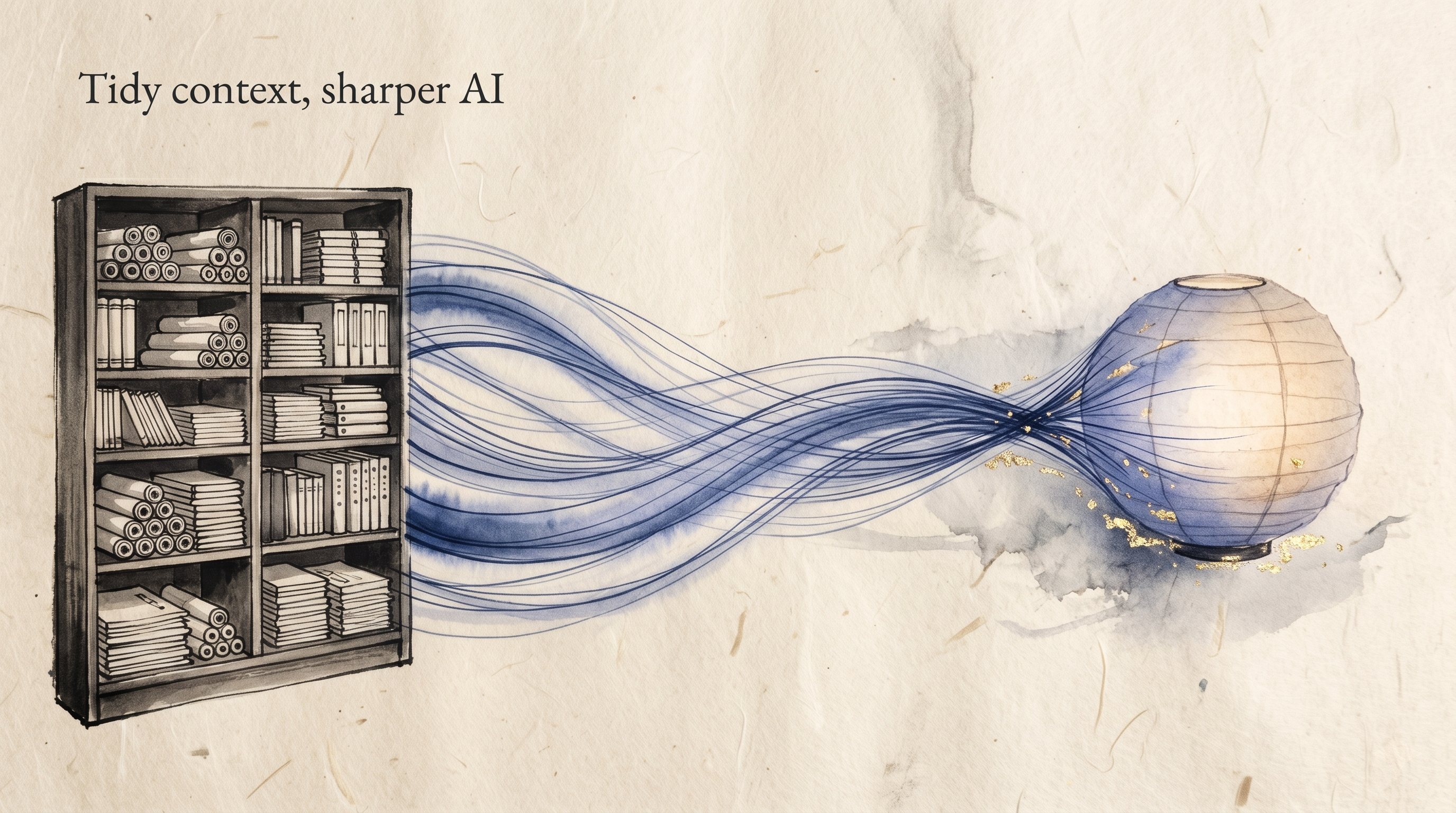
This yields the single most practical takeaway of this article: what separates strong Copilot users from frustrated ones is less the wording of their prompts than the state of the context Copilot is able to see.
The Lever That Matters: How Tidy Your Data Is
Once you understand grounding, the next conclusion follows on its own: the quality of Copilot's answers depends on the place it searches — the state of your internal data.
In the same roundtable, Microsoft MVP Kazuaki Asada put it as a question about housing: if SharePoint is a house, which is faster — finding a ring in a hoarder's three-bedroom, or in a tidy one-room apartment? (from the ITmedia NEWS article). However good the searching brain is, a cluttered search space drags accuracy down.
Microsoft itself treats this as a design assumption, not a user's excuse. The official documentation states that reducing oversharing and cleaning up inactive sites "declutter Copilot's data sources and improve the quality of the responses" — and ships an admin toolset (SharePoint Advanced Management) for exactly that purpose.
The roundtable lands on the same human-centered conclusion. As data piles up, the right information gets harder to find — so rather than leaving everything to the AI, people must take the initiative in keeping their data in order.
Company-wide data governance belongs to IT, but individuals are not powerless. Decide where your team's files live. Save meeting notes to the same place every time. Stop the proliferation of files named "final_v2 (2)". Unglamorous work — and it converts directly into your own Copilot's accuracy.
Try It Today: Hand Your Meeting Prep to Copilot
With the mechanism in place, here is the one exercise where you can feel it working: meeting preparation.
Meeting prep is grounding's home turf. "Before the next regular meeting, get across the previous minutes, the related email threads, and the shared documents" is context access across calendar, mail, and files — structurally impossible for an external AI with no foothold in your work data.
In the roundtable, one expert described Copilot proactively assembling prep material from his recent activity before a one-on-one with his manager.
Here is the procedure. If you hold an M365 Copilot license, no extra setup is required.
- Open Copilot chat in Teams or in the Copilot app at microsoft365.com, and make sure you are in the work mode that references your organization's data
- Paste the prompt below and replace "Weekly Sync" with the actual name of a meeting on your calendar. Typing "/" in the input box also lets you pick meetings and files directly from a list
- When the answer comes back, click through the source links and check the emails and documents it grounded on
Help me prepare for next week's "Weekly Sync".
Across the previous meeting's notes, related email threads, and shared documents,
organize the following three things:
(1) Decisions and action items from last time, with owners
(2) Related emails since then that I have not yet responded to
(3) Candidate discussion points for this session
For each item, cite the file name or email subject it comes from.
Every line of this prompt has a mechanical reason behind it.
Item (1) — decisions and action items from last time — is where grounding through Graph works hardest. The meeting's proper name acts as an anchor for Graph search: once it resolves to a calendar entry, the previous minutes and shared documents come along in a chain. And decisions and action items are exactly what those minutes and files contain — the core of the context Copilot can pull in as its ground.
Item (2) — emails I have not yet responded to — leans on the way context is weighted by its relevance to you. As we saw earlier, Work IQ assembles context by using signals such as send/receive history to favor what is most relevant to you. Putting "I" in the request turns a pile of related mail into context filtered around you before it reaches the LLM.
Item (3) — candidate discussion points — is a question that can only be answered from context gathered across minutes, emails, and documents. Summarizing a single file is something a memory-only AI can manage; deriving "what we should discuss this time" from cross-source grounding is the signature output of an AI that is allowed to see your work.
And here is the reading that ties back to the core of this article. If the answer disappoints, it is not necessarily a prompt failure.
Look at the citations. The minutes only exist in someone's personal notes; the documents are buried in a junk-drawer folder — what you are holding is a diagnosis of how your data looks from where Copilot stands.
The next move may not be polishing the prompt, but deciding where the minutes live.
And if you don't have a Copilot license yet, your five minutes today are still well spent: use them to decide on a single home for your meeting minutes.
As this article has argued, Copilot's effectiveness rests on how tidy your data is — settling that one question puts the precondition in place before the license ever arrives.
Note: What Copilot can reference varies with your organization's settings. Before putting highly confidential matters into a prompt, check your company's AI usage policy.
The Takeaway
Copilot's essence is not intelligence — it is access to the context of your work.
So the first step to making it useful is not memorizing prompt collections, but tidying the places Copilot goes looking: your organization's data, starting with your own meeting notes and file folders.
You can verify the effect today, in five minutes, on your next meeting.